 bash
# ① 安装 ComfyUI 基础环境
git clone https://github.com/comfyanonymous/ComfyUI
cd ComfyUI
pip install -r requirements.txt
# ② 安装插件管理器
cd custom_nodes
git clone https://github.com/ltdrdata/ComfyUI-Manager
# ③ 安装 LTX-Video 节点(二选一)
# 推荐:ComfyUI Manager 里搜索 "LTX-Video" 一键安装
# 手动:
git clone https://github.com/Lightricks/ComfyUI-LTXVideo
cd ComfyUI-LTXVideo && pip install -r requirements.txt
# ④ 启动!浏览器打开 http://127.0.0.1:8188
cd ../../ && python main.py
bash
# ① 安装 ComfyUI 基础环境
git clone https://github.com/comfyanonymous/ComfyUI
cd ComfyUI
pip install -r requirements.txt

# ② 安装插件管理器
cd custom_nodes
git clone https://github.com/ltdrdata/ComfyUI-Manager

# ③ 安装 LTX-Video 节点(二选一)
# 推荐:ComfyUI Manager 里搜索 "LTX-Video" 一键安装
# 手动:
git clone https://github.com/Lightricks/ComfyUI-LTXVideo
cd ComfyUI-LTXVideo && pip install -r requirements.txt

# ④ 启动!浏览器打开 http://127.0.0.1:8188
cd ../../ && python main.py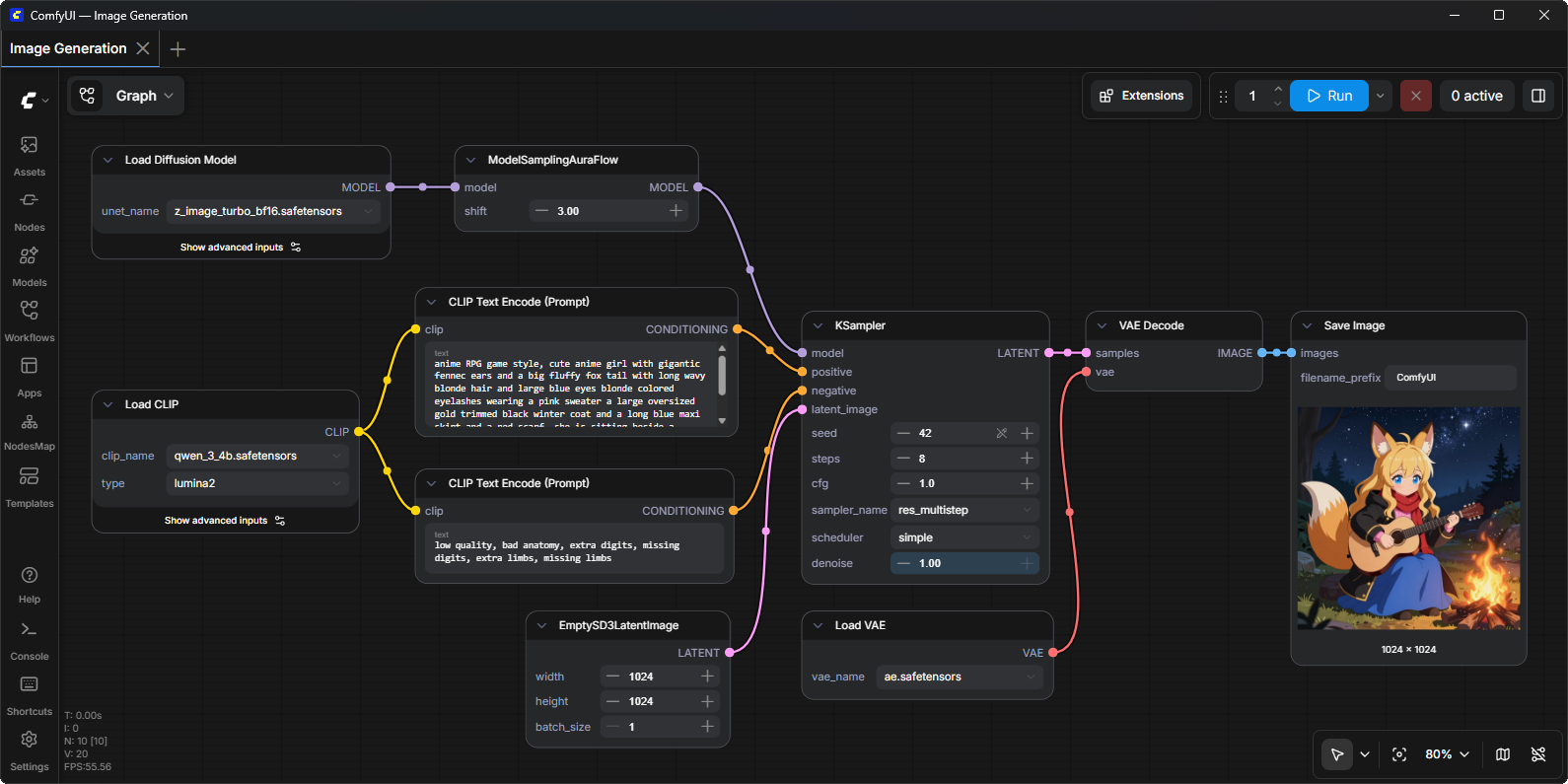
模型文件放哪里?
text
ComfyUI/
├── models/
│ ├── unet/ ← Diffusion权重 (.safetensors)
│ ├── clip/ ← T5文本编码器
│ └── vae/ ← VAE编码器
如果不能访问Github推荐使用GitHub 文件下载加速代理 – GitHub Proxy;
至于代理地址自行百度去吧:https://www.baidu.com/s?wd=GitHub+Proxy&ie=UTF-8
https://github.com/Comfy-Org/ComfyUI/releases/download/v0.21.1/ComfyUI_windows_portable_amd.7z
https://github.com/Comfy-Org/ComfyUI/releases/download/v0.21.1/ComfyUI_windows_portable_intel.7z
https://github.com/Comfy-Org/ComfyUI/releases/download/v0.21.1/ComfyUI_windows_portable_nvidia.7z
https://github.com/Comfy-Org/ComfyUI/releases/download/v0.21.1/ComfyUI_windows_portable_nvidia_cu126.7z
源码:https://github.com/Comfy-Org/ComfyUI/archive/refs/tags/v0.21.1.zip